Manage roles – in just a few clicks

Not every team member
needs the same level of access

Assigned roles provide clarity and define responsibilities. Particularly in a team context, not every employee needs the same level of administrative freedom within your organisation. heylogin makes this very easy for you and allows you to choose from a range of roles with different permissions.

First, ask yourself: Which areas should my staff be responsible for managing?

The heylogin user roles primarily distinguish between admins and predefined users. Furthermore, custom roles can also be added in the Enterprise model. The difference lies in the permissions granted to each user.

A comparison of our roles

User
Access to shared logins
Creating and managing personal logins
Working within assigned teams
Admin
Managing logins and teams
Changing your organisation’s default settings
Adding and removing staff members
Option to appoint additional administrators
Customize
Individual permissions per user-defined role
Specifying the names of the custom roles
Unlimited customisation of permissions by an administrator

Start now with heylogin

Assigning roles in heylogin

The foundation for greater structure: heylogin predefined roles

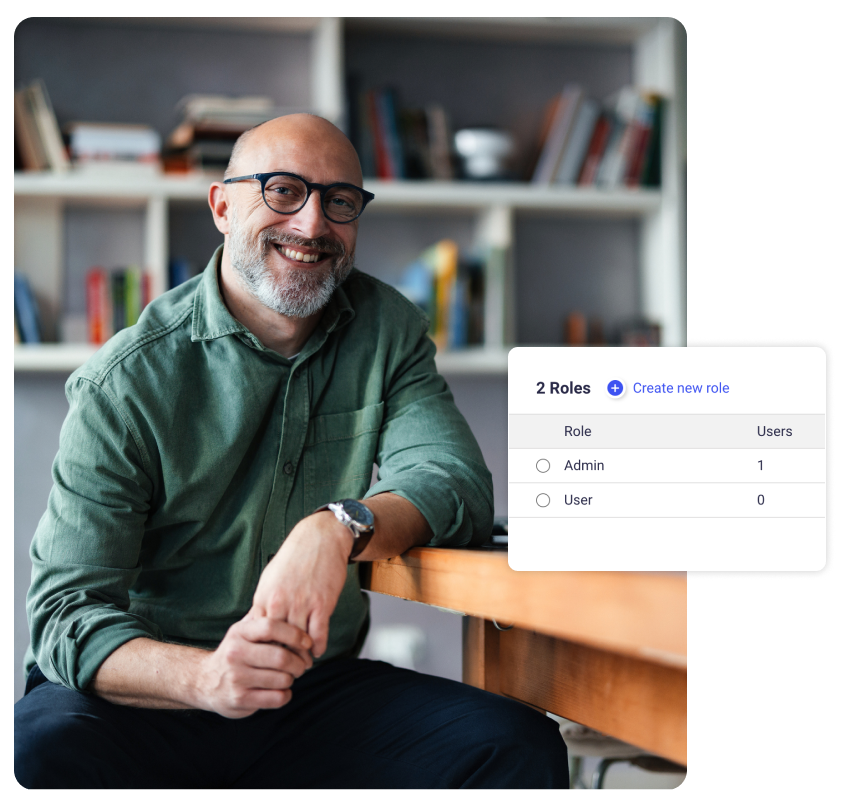
Permissions are already set for our standard options, “Admin” and “User”. The figures displayed show you how many people in your organisation have each role.

Clearly define areas of responsibility using user-defined roles

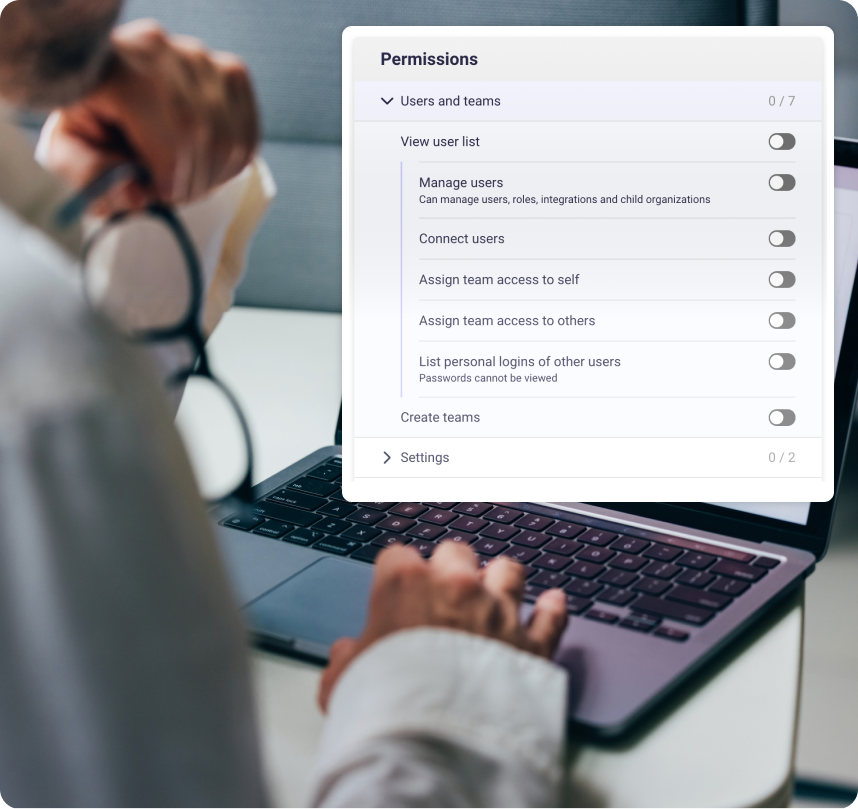
Custom roles help your team to operate according to their skills and areas of responsibility. This may look different for an employee in a management role than for someone in HR. However, for both, the required permissions in the heylogin interface can be granted in just a few clicks. You can change, deactivate or remove these at any time.

Start now with heylogin